

What a smart switch does and why the box matters
A standard switch is a mechanical gate: it opens or closes the path of power to a light. A smart switch has electronics inside. It needs a small amount of power to keep a radio and a processor awake, so that it can listen for commands from a phone, a voice assistant or a hub, and then turn the load on or off, or dim it.
That small amount of power has to come from somewhere. Many smart switches draw it from a neutral wire in the box. The neutral is the return path that completes the circuit, and in a lot of older homes it is not present at the switch. Instead the switch sits in the middle of a loop, and the box contains only a hot wire and a wire that goes to the light. This is called a switch loop, and it is the single biggest source of smart-switch installation problems.
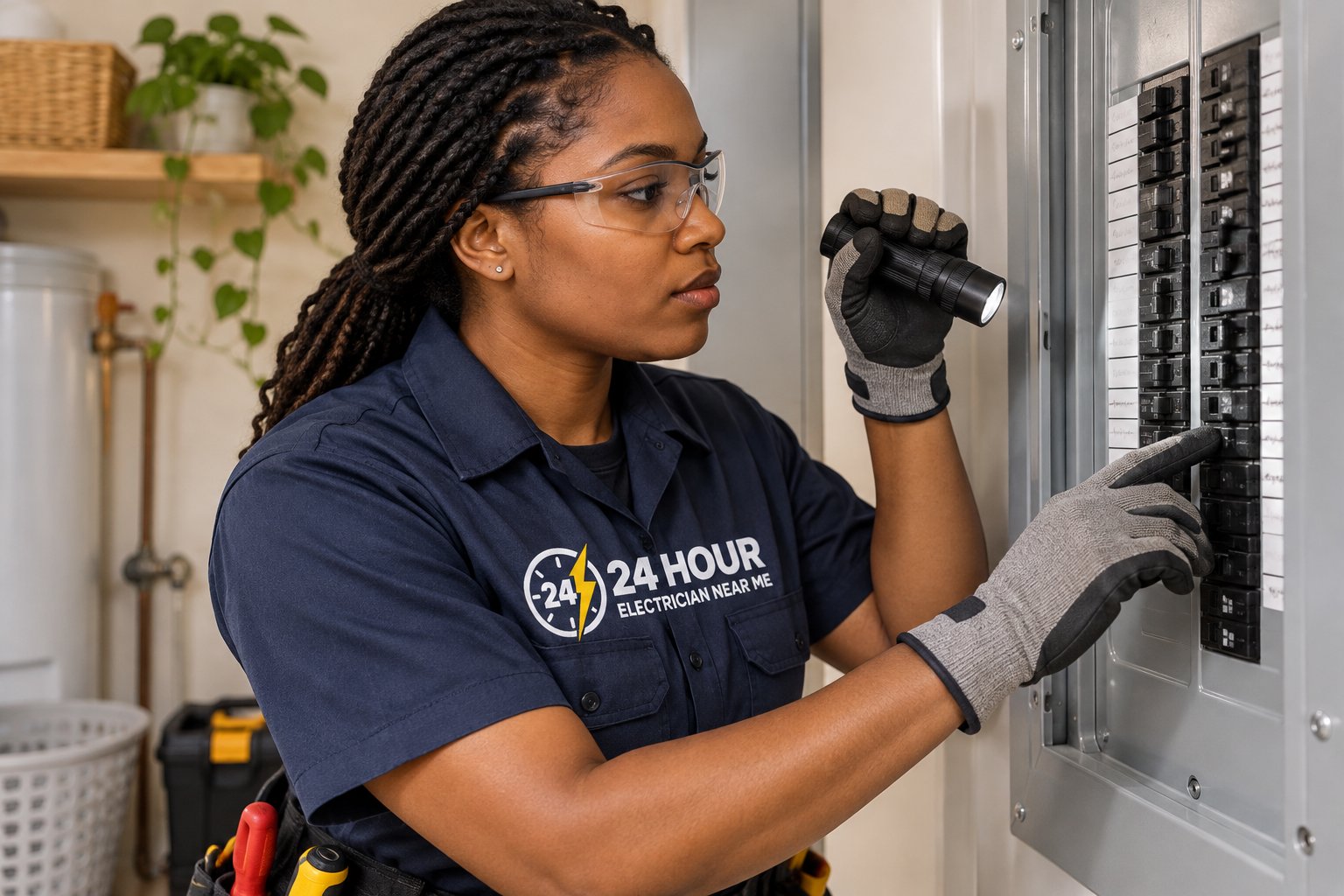
So before choosing a product, someone has to look inside the boxes. A technician turns off the power, proves the circuit is dead, and checks what wires are present, how many switches share the box, and what kind of loads they control. That inspection takes the guesswork out of buying equipment, and prevents the common experience of bringing home a box of switches that will not work in half the rooms.
Neutral wires: present, missing or hidden
If the switch box contains a neutral wire, usually white and often bundled with others behind the switch, then nearly any smart switch will work. If there is no neutral, the options narrow. Some products are designed for no-neutral installations. They pull a trickle of current through the load, which is acceptable for some bulbs and a problem for others, and can cause LED lights to glow faintly or flicker.
A technician may be able to add a neutral. Sometimes the neutral is present in the ceiling box but is not carried to the switch, and a new cable can be run, though doing so in a finished wall takes work. In other cases the wiring can be rearranged at the light fixture to bring a neutral down. Whether any of this is possible depends on the construction of the house, and not every box can be improved without opening walls.
Older homes in places such as Hollywood, Pompano Beach and North Miami often have switch loops and boxes that are small and crowded. Cramped boxes carry another problem: smart switches are bigger than standard ones, and stuffing them into a small box can strain the wires and create overheating risks. A technician will check box size and, where necessary, replace a box with a deeper one.
| What is in the box | What it means for smart switches |
|---|---|
| Hot, load and neutral wires present | Almost any smart switch can be used |
| No neutral (switch loop) | Needs a no-neutral model, or a neutral added in the wall or fixture |
| Multiple switches in one box | Gang box size and heat matter; some switches need derating |
| Small or shallow box | May need a deeper box to fit the switch safely |
| Aluminum wiring or damaged insulation | Resolve wiring condition first before adding electronics |
Load compatibility: bulbs, fans and motors
Not every load likes a smart switch. LED bulbs draw very little current, and a dimmer designed for older incandescent bulbs may not work properly with them. Smart dimmers are built to handle LED loads, but they have minimum load ratings. If a circuit has only one or two low-wattage bulbs, the dimmer may flicker, buzz or fail to turn off cleanly.
Fans and motors need extra care. Many ordinary smart dimmers must not be used to control a ceiling fan motor, because dimming can overheat it or create noise. Fan controls are designed differently, and some ceiling fans also have a separate light that needs its own control. Our page on ceiling fan installation explains how fan and light wiring splits.
Other loads to note include fluorescent fixtures, low-voltage transformers, bathroom exhaust fans and decorative lighting with built-in drivers. A technician will check what is on each circuit, read the labels on the fixtures, and match the switch to the load. Our guide to LED drivers and dimmer compatibility covers why a dimmer and a bulb can disagree.
- Check the minimum and maximum load rating of each smart dimmer
- Use switches rated for LED loads when controlling LED bulbs
- Use fan-rated controls, not dimmers, for ceiling fan motors
- Avoid dimming bulbs or fixtures that are not marked as dimmable
- Verify the load type for exhaust fans and heaters before choosing a control
Three-way and four-way circuits
Hallways, stairs and large rooms often have lights controlled from two or more locations. These are called three-way circuits, or four-way when there are three or more switches. They are wired differently from a simple single-pole switch, with travelers carrying power between the switches, and they are a common source of confusion when replacing devices.
Smart switches handle three-way circuits in different ways. Some require a smart switch at one location and a companion remote at the other. Others need two smart switches paired together. A few use a smart switch plus a simple add-on that connects to the traveler wires. Which design works depends on the wiring and on which box contains the neutral and the line.
Mistakes are easy to make. A technician traces the wiring, identifies which box receives power, which box is wired to the light, and where the travelers run. They then match the equipment to the arrangement and label everything so that a future owner does not need to re-trace it. If you have a hallway or staircase that you want controlled smartly, tell the technician at the outset, because it affects the equipment you choose.
Hubs, wireless protocols and no-hub systems
Smart switches communicate in different ways. Some connect directly to a home Wi-Fi network and need no extra equipment. Others use low-power mesh protocols and need a hub or bridge that connects to the router. Each approach has strengths. Wi-Fi switches are simple, but many on one network can crowd it. Mesh systems are more efficient for many devices but need a hub and some setup.
Think about the whole home, not only the first room. If you may add a dozen switches over time, a mesh system with a hub tends to scale better. If you only want a few lights controlled by a phone, a Wi-Fi switch may be enough. Compatibility with your voice assistant or home app also matters. Choose a system that works with the ecosystem you already use.
Signal strength is a real consideration in South Florida, where concrete block walls, stucco and metal screens block wireless signals more than frame construction does. A switch in a far corner of a block home may struggle to connect to a router across the house. Mesh systems that relay signals through other devices help. A technician can place equipment and suggest router or extender changes so the switches stay connected.
- Wi-Fi switches need no hub but add load to the home network
- Mesh protocols need a hub but scale better to many devices
- Voice assistant and app compatibility should be checked before buying
- Block and stucco walls weaken signals; plan for repeaters or mesh paths
Safety during installation
Installing a switch involves handling the wires inside a live circuit unless the power is off, and the main hazard is assuming the power is off when it is not. Breaker labels in older homes are often wrong, circuits can be fed from more than one source, and shared neutrals can stay energized even with one breaker off. Technicians test each wire with a tester to prove it is dead before touching it.
Smart switches also carry heat. They are electronic devices that sit in a small box next to the wires, and a loose connection or an overloaded switch can overheat. Technicians tighten terminals to the specified torque, use the right wire connectors, and avoid cramming too many devices into one box. If the wiring is aluminum, brittle or damaged, it should be repaired before electronics are added.
If you decide to do this yourself, be honest about your limits. If you are not comfortable proving a circuit dead, identifying travelers or finding a neutral, stop and call a qualified electrician. Do not use a switch if the box feels hot, smells of burning, or the wires are discolored. Our page on light switch repair and replacement explains the basic switch work that comes before any smart upgrade.
Scenes, schedules and what smart control is really good for
Smart switches shine in a few practical ways. Schedules can turn exterior lights on at dusk and off at bedtime, which saves trips to the switch. Scenes set several lights at once for dinner, movie night or cleaning. Remote control lets you turn lights on before you arrive home or confirm that lights are off when traveling, which many Floridians appreciate during seasonal absences.
Occupancy sensors and timers are also useful for closets, garages and bathrooms where lights are often left on. Vacancy sensors, which turn lights off when a room is empty but require you to turn them on, are a good fit for places where automatic turn-on would be annoying.
Keep the basics sound. A smart system should not make it hard to turn on a light. Most good switches still work by hand if the network is down or the hub fails, and many keep a physical paddle or button. Before committing to a system across the whole house, try it in one or two rooms for a while. Our guide on LED or smart lighting upgrades helps you decide how far to go.
Problems after installation and how they are solved
A new smart dimmer that buzzes, flickers or turns lights on by itself usually has a compatibility or wiring cause. LED bulbs that are not dimmable or are below the minimum load can flicker, and bulbs from different brands behave differently. Replacing the bulbs with dimmable models rated for the control often solves it. Sometimes adjusting the dimmer's minimum brightness setting helps.
If lights glow faintly when off, a no-neutral switch may be leaking a small current through the load. A bypass device at the fixture can solve this, as can a different model. If switches go offline, the cause may be Wi-Fi congestion, a weak signal or a hub that has lost its connection.
A device that is hot to the touch, makes a sizzling noise or smells of burning should be shut off at the breaker and inspected. Do not keep using a switch that heats up. See our page on dimmer switches that buzz for what is normal and what is not.
- Buzzing or flicker: check bulb type and minimum load first
- Glow when off: a no-neutral switch may need a bypass or a different model
- Dropped connection: check signal strength, router and hub
- Hot or smelly switch: shut off at the breaker and call a technician
Older homes, condominiums and tight boxes
Smart controls meet their toughest tests in older properties. Many Florida condominiums and mid-century homes have shallow metal boxes, plaster surrounds that crack when a box is moved, and wiring that has been modified over the years. A smart switch is deeper and heavier than a plain toggle, and forcing it into a shallow box can pinch wires or leave the device loose in the wall.
Another complication is that some older buildings share boxes between circuits, so that two switches in one box are powered from different breakers. Replacing both with smart switches means treating each circuit separately, and labeling both breakers so a later electrician is not caught out. If the wiring is aluminum, the condition of the connections should be reviewed first, since adding electronics to a weak connection raises heat.
In condominiums, check the association rules before changing anything beyond a simple device swap. Some buildings limit changes to unit wiring or require a contractor's insurance documents. Many simply need a notice. Replacing a switch with a smart switch is usually considered a minor change, but opening walls to add a neutral may need approval. A technician familiar with building rules can tell you what to ask for.
- Shallow boxes may need replacing with deeper ones for a smart switch to fit
- Shared boxes mean each circuit must be identified and labeled
- Aluminum or brittle wiring should be corrected before electronics go in
- Condominium rules may require notice or approval for wall work
Planning an installation and what to have ready
A little planning makes the visit efficient. Make a list of the switches you want to upgrade, and note which control lights, which control fans and which are in three-way arrangements. Take a photo of the switch plates and any labels. Note your router location, your voice assistant and the app you prefer, and any hub you already own.
The technician will check each box, advise which switches will work as is, and flag the ones that need extra wiring or a different model. Where walls must be opened to add a neutral, that is explained in advance, along with who will patch the opening.
Quotes are given only by phone, and a larger project starts with an on-site visit so the technician can see the boxes. There is a service call charge for that visit, explained on the phone before dispatch. When you are ready to bring smart control into your home, call to describe what you want, and the technician will guide you through what is practical in your wiring.
Questions people ask
Do I need a neutral wire for a smart switch?
Most smart switches need one because the electronics draw a small amount of power continuously. Some models are made for homes without a neutral, but they have limitations with certain bulbs. A technician checks each box to see what is there before you buy equipment.
Will smart dimmers work with any LED bulb?
No. Bulbs must be marked dimmable, and the dimmer must be rated for LED loads at the wattage you have. Very low total wattage can cause flicker or buzzing. Matching bulbs and dimmers, ideally from a compatible list, avoids most problems.
Can I control a ceiling fan with a smart dimmer?
Usually not with an ordinary dimmer. Fan motors need controls designed for them, and using the wrong one can cause noise or overheating. Use a fan-rated smart control, and control the fan light separately if the fan has one.
Why does my smart switch lose connection?
Common reasons are a weak wireless signal through block or stucco walls, a crowded Wi-Fi network, or a hub that has lost its connection. Moving the router, adding a mesh node or switching to a protocol suited to many devices can help. A technician can advise on placement.
Is it safe to install a smart switch myself?
Only if you can prove the circuit dead with a tester, identify the wires correctly and confirm the box and wiring are in good condition. Breaker labels in older homes are often wrong. If you are unsure at any step, stop and call a qualified electrician.
How do I get a quote for smart switches?
Quotes are given only by phone. A few switches can often be discussed on the call, and a whole-home project starts with an on-site visit. There is a service call charge for that visit, and it is explained on the phone before dispatch, so you know it in advance.
For "Installing Smart Switches and Dimmers", a phone call comes first. Describe the circuit, the breaker or the equipment, and we will talk through the safe next steps and whether the job needs an on-site look.
Related pages
- Switch Repair: Why light switches fail, how three-way and four-way switching works, and what a technician checks when a switch is hot, buzzing, loose or not working.
- Lighting Installation &: South Florida lighting planning and troubleshooting for homes, condominiums, commercial spaces, exteriors and managed properties.
- LED Dimmer Match: Why LED drivers and dimmers must be matched, and how a mismatched pair causes flicker, buzzing, ghost glow and early failure in Florida homes.
- Dimmer Problems: Dimmers that buzz, flicker or run hot are often mismatched to LED bulbs, overloaded or crowded in a box. Learn the causes, safe checks and when to call.
- Lighting Upgrade Choice: A framework for choosing LED bulbs, LED fixtures, dimmers and smart controls based on how each room is used and what wiring you already have.
- Smoke and CO Wiring: How hardwired, interconnected smoke and carbon monoxide alarms are wired, why battery backup matters, and what changes in a sale or remodel.